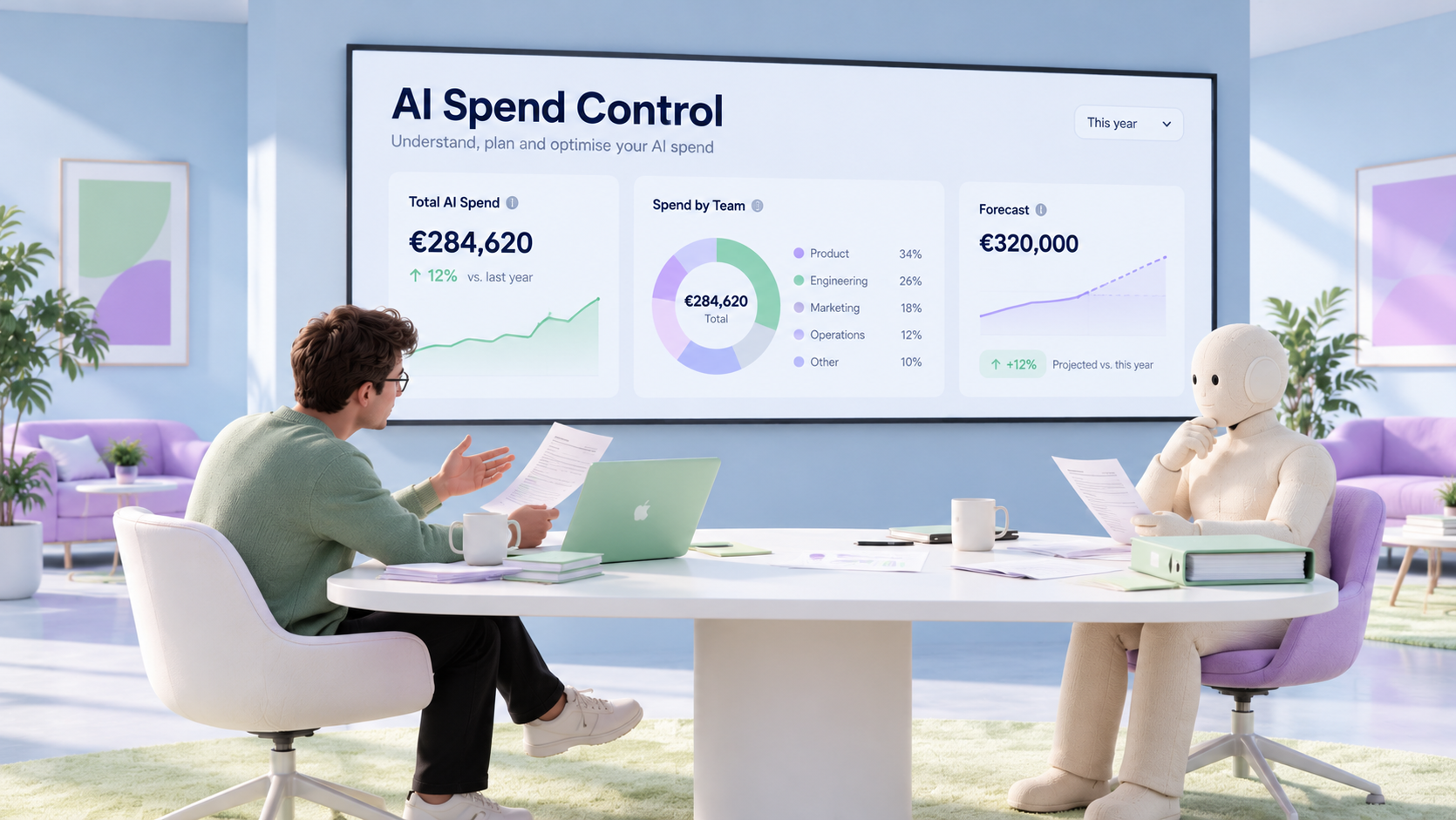
AI costs can move fast. Husk helps finance, product, and engineering teams control variable AI spend before it turns into budget surprises. Husk AI spend management gives you visibility across every AI vendor, tighter guardrails on usage and payments, and finance-ready reporting that ties AI cost to teams, features, and customers.
Why AI spend breaks old-school spend management
AI spend control software is not the same as generic AI-powered finance software. The job here is narrower and more urgent: helping your business see, govern, and explain what it spends on AI. That means controlling usage-based costs before they quietly eat into margin, runway, or budget.
Traditional spend tools were built for flatter cost patterns. AI spend rarely behaves that way. Charges can come from tokens, API calls, prepaid credits, seats, storage, model upgrades, or add-ons. One team may trigger costs through product usage, another through internal tooling, and finance still gets asked to reconcile the whole thing at month end.
That is where the mess starts. Vendor dashboards live in separate places. Billing periods do not line up. Some costs hit invoices, others hit cards or employee expenses. Teams fall back to spreadsheets, manual tagging, and best guesses. By the time an overage is visible, the budget damage is already done.
Ownership is also fragmented. Finance cares about reporting and forecasts. Engineering cares about usage. Product cares about feature cost. IT may own tool access. Without one shared control layer, nobody sees the full picture and nobody acts early enough.
What to look for in AI spend control software
When you compare AI spend control software, focus on the controls that improve a real decision, not just the dashboard.
Normalized vendor visibility
What to check: one view across providers and billing models
Problem it solves: costs sit in separate portals and cannot be compared cleanly
Main users: finance, engineering, product
Decision it improves: where spend is really growing
Live usage metering
What to check: fresh usage data alongside month-end bills
Problem it solves: teams find out too late that consumption has spiked
Main users: engineering, product, finance
Decision it improves: when to intervene before overages land
Budgets and alerts
What to check: budgets by team, vendor, or cost center with threshold signals
Problem it solves: static plans do not hold up when AI usage changes daily
Main users: finance leaders, team owners
Decision it improves: whether spend is on plan or drifting
Attribution
What to check: breakdown by team, user, feature, customer, or model
Problem it solves: no one knows who drives cost or why
Main users: finance, product, leadership
Decision it improves: how to allocate, show back, or charge back
Purchase and renewal controls
What to check: who can buy, pay for, or keep tools running
Problem it solves: shadow AI tools and unnoticed renewals create leakage
Main users: finance, operations, tool owners
Decision it improves: which spending should be approved or restricted
Forecasting
What to check: forward-looking spend and burn projections
Problem it solves: usage-based costs make planning unreliable
Main users: finance, founders
Decision it improves: how AI spend affects runway and margin
Keep one distinction clear. Consumption controls show what AI usage costs as it happens. Procurement and payment controls govern how tools are bought, renewed, and paid for. Many companies need both.
How Husk puts AI spend back in your hands
Husk AI Spend Management brings AI usage, AI vendor bills, and the cost behind every feature and customer into one view. Good control software should do more than show last month’s bill. It should help you see spend as it moves, set practical guardrails, and act early before AI costs distort burn, runway, or margin.
See AI costs across vendors, cards, and invoices
AI spend rarely arrives in one tidy stream. Some costs sit in vendor dashboards. Some come through invoices. Some run through cards or employee expenses. Husk helps unify that fragmented picture, so finance is not stuck stitching together separate systems after the fact.
That matters because AI pricing is mixed by default. One provider may bill by token usage, another by credits, another by seats or model tier. Husk keeps those costs in one financial view, so teams can compare what they are spending without relying on spreadsheet gymnastics. Because Husk matches what you used against what each provider billed, you get a clearer picture of what the company is actually paying for.
Set budgets before burn rate turns ugly
Budgets only help if they stay close to live spend. Husk gives you a live view of AI costs by team, feature, and customer, so AI budget limits for product teams are not trapped in a planning file while usage runs somewhere else.
You can track spend in context, monitor burn as it changes, and spot when AI usage is moving faster than plan. That matters when model choices, API traffic, or new feature adoption can shift cost quickly. Forecasts of AI spend make those changes easier to judge before finance closes the month. The result is simple: fewer surprises, faster intervention, and tighter control before overages hit the business.
Turn usage into finance-ready reporting
Raw usage data does not answer finance questions on its own. Husk helps turn AI consumption into reporting that leadership, finance, product, and engineering can actually use. Break spend down by team, user, vendor, model, or cost center so owners can see who is driving cost and where it connects to the business.
From there, conversations improve. Finance can move from isolated provider bills to showback, chargeback, unit-economics, and ROI discussions. Product teams can see which features or workflows are expensive to run. Leadership gets a clearer view of whether AI spend supports profitable growth. Forecasting also becomes more useful once ownership and business context sit next to the cost data, not just the invoice total.
Connect AI controls to the tools your finance team already uses
Speed matters. AI usage patterns change fast, so controls need to fit the workflows you already run. Husk connects to the AI providers you already use, such as Anthropic, OpenAI, Google, and OpenRouter, and keeps spend data and reporting close to your existing finance workflow.
Choose the right control setup for your team
Start with the bottleneck, not the buzzword.
- If the problem is unclear usage across providers, start with AI spend management for visibility, normalization, and ownership.
- If the problem is allocation, optimization, or proving margin impact, look at cost allocation and the customer-level AI P&L.
- If the problem is purchase-side leakage or weak payment governance, use virtual cards with set limits for each AI vendor.
- If reporting is slow or hard to explain, prioritize financial insights that connect AI costs to runway, burn, and business outcomes.
Many companies need a connected setup because different teams own usage, approvals, and accounting. Compare data freshness, normalization across billing models, forecast quality, and fit with the finance stack you already use.
Questions teams ask before they buy
Most buyers are not choosing between identical tools. They are separating AI-specific controls from general spend software and deciding how much finance workflow should live in the same system. These quick answers keep the decision practical.
What is the best AI budgeting app?
There is no universal best option. The right fit depends on whether you need live usage budgets, purchase controls, or stronger finance reporting. For business AI spend, skip consumer-style budgeting features and prioritize live budgets, burn-rate signals, vendor normalization, and clear attribution by team, product, or cost center. If AI costs flow through several vendors, cards, and invoices, a tool that reconciles them in one view is usually stronger than a standalone budget tracker.
What is the best spend management software?
The best spend management software for AI does more than capture receipts or card transactions. It should also show usage-based costs, support allocation, and improve forecasting when pricing changes with tokens, APIs, credits, or model choice. When you compare options, separate three jobs: buying control, consumption control, and reporting. Some teams only need stronger spend operations. Many need both general spend management and AI-specific visibility in one setup.
Can I use AI to manage my money?
Yes, in a business context, AI can help automate tracking, flag unusual spend, support forecasting, and surface useful financial questions faster. On this page, the focus is company spend controls. The goal is better visibility and governance over AI usage and payments, not a personal budgeting assistant.
What is the 30% rule for AI?
There is no universal 30% rule that reliably guides AI spend control. Costs vary by vendor, model, pricing method, and usage pattern. Blanket rules are weaker than real usage data. Better guardrails are usage-based budgets, threshold warnings, burn tracking, and clear ownership by team, project, or cost center.
Compare the options and start controlling AI spend
Ready to tighten control? Book a demo or get early access to Husk AI Spend Management, and start controlling AI spend with less guesswork.